
From Spreadsheet Chaos to Operational Clarity: A Step-by-Step Field Ops Reset
Why oilfield teams still wrestle with formulas and tabs, and what changes when workflows are designed for how field operations actually work.
Walk into the operations office of an average oilfield services company on a Monday morning, and here’s what you’ll see:
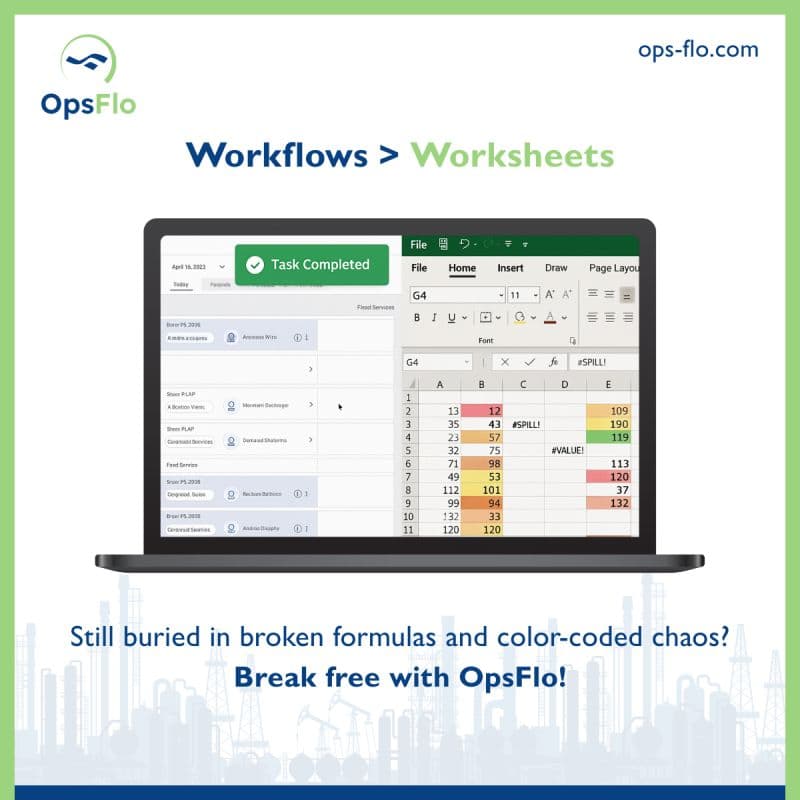
Three or four spreadsheets open across multiple monitors. A whiteboard with hand-written job assignments. Someone on the phone copying data between systems. A controller asking the dispatcher to clarify something on last Friday’s tickets.
This is field operations management at most companies. It’s not anyone’s fault. It’s the accumulated result of doing things the way they’ve always been done, with the tools that have always been available.
But the cost of running operations this way is real, and it’s not just about efficiency. It’s about clarity, accuracy, and the ability to actually see what’s happening in your own business.
Why spreadsheets become the default
Nobody sets out to run a multi-million-dollar oilfield services business on spreadsheets. It happens organically:
- The dispatcher needs a way to track jobs. They build a spreadsheet.
- The controller needs a way to reconcile billing. They build a spreadsheet.
- The yard manager needs a way to track equipment. They build a spreadsheet.
Each spreadsheet makes sense in isolation. Combined, they create a fragmented operational picture where no one can see the whole.
And once spreadsheets become embedded in workflow, they’re hard to dislodge. Everyone has their own version. Everyone has their own formulas. Everyone has their own “system.”
Where the chaos shows up
The cost of running operations on spreadsheets doesn’t show up in a single place. It shows up everywhere:
In dispatch:
Job assignments live on a whiteboard. Crew availability lives in someone’s head. Equipment readiness lives in a third spreadsheet. When a new job comes in, the dispatcher has to triangulate across all three. Errors are common.
In field execution:
Crews don’t have a single source of truth for what they’re supposed to do today. They get their orders by phone or text, refer to paper notes, and hope nothing changes mid-day. When it does, communication breaks down.
In billing:
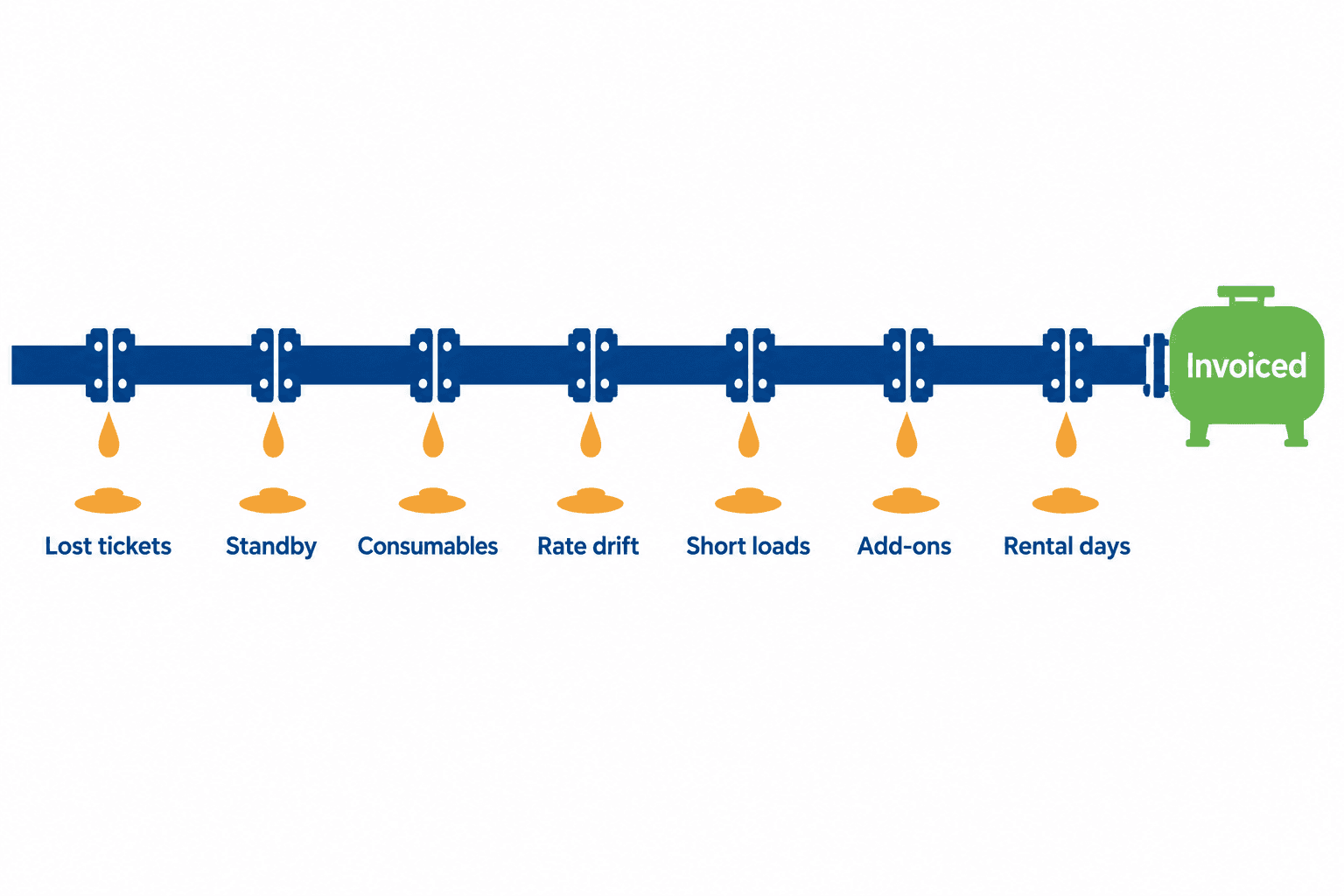
The job is done, but where’s the data? Some of it is in the dispatcher’s spreadsheet. Some is in the field ticket. Some is in the crew supervisor’s email. The billing department spends days assembling what should be a 5-minute invoice.
In management reporting:
The COO wants to know weekly job volume by service line. The data exists, but only after someone manually consolidates it across multiple spreadsheets. The report shows up Wednesday for last week’s activity. By the time it arrives, it’s history.
What clean workflows look like
The alternative to spreadsheet chaos isn’t a different spreadsheet; it’s structured workflows designed around how field operations actually work.
A clean workflow has five characteristics:
1. Single source of truth.
Every job exists in one place. Every status update flows from there. Every report draws from the same data. Nobody has their own version.
2. Status visibility at every stage.
At any moment, anyone with appropriate access can see where a job is: assigned, dispatched, en route, in progress, complete, billed. The status is current, not a snapshot from this morning.
3. Field-driven data capture.
The data enters the system at the point of work (the wellsite, the yard, the truck) not in a back-office transcription step. The system reflects field reality in real time.
4. Automatic flow between stages.
When a job is completed, the data doesn’t sit waiting for someone to move it. It flows automatically into billing, reporting, and analytics. Manual handoffs disappear.
5. Built-in audit trail.
Every action, every change, every approval: captured, timestamped, attributable. When questions come up later, the answer is in the system, not in someone’s memory.
This isn’t theoretical. It’s how operations are run in companies that have moved beyond spreadsheet-driven management.
The reset that works
Moving from spreadsheet chaos to clean workflows doesn’t happen all at once. Companies that have made the transition successfully follow a consistent pattern:
Start with the highest-pain workflow.
Usually field ticketing, because the impact is immediate and the benefits are visible in days, not months.
Run digital and paper in parallel briefly.
For 2–4 weeks, both systems run. Crews and dispatchers build confidence. Edge cases get identified. Then paper goes away.
Expand one workflow at a time.
Field ticketing first. Then dispatch. Then inspection. Then billing integration. Each builds on the last. The whole system doesn’t get rebuilt at once.
Make the data visible from day one.
The biggest unlock isn’t the workflow change; it’s the visibility that comes with it. Make sure supervisors and managers see the data they couldn’t see before.
The clarity dividend
Companies that complete the transition from spreadsheet operations to clean workflows consistently report a specific feeling: “We can finally see our own business.”
Not because they couldn’t before, but because the data they always had was so fragmented, so manual, and so delayed that nobody could form a coherent picture.
When the picture clarifies, decisions get better. Margins improve. Customer satisfaction rises. The same operational team can manage more volume without breaking.
That’s the dividend. And it starts the moment you decide the spreadsheet is no longer the right tool for the job.
Ready to see what clean workflows look like for your operation? Visit ops-flo.com to start, or schedule a walkthrough with our team.
No comments yet
Be the first to share your thoughts.
Leave a Reply
Your email address will not be published. Required fields are marked *